




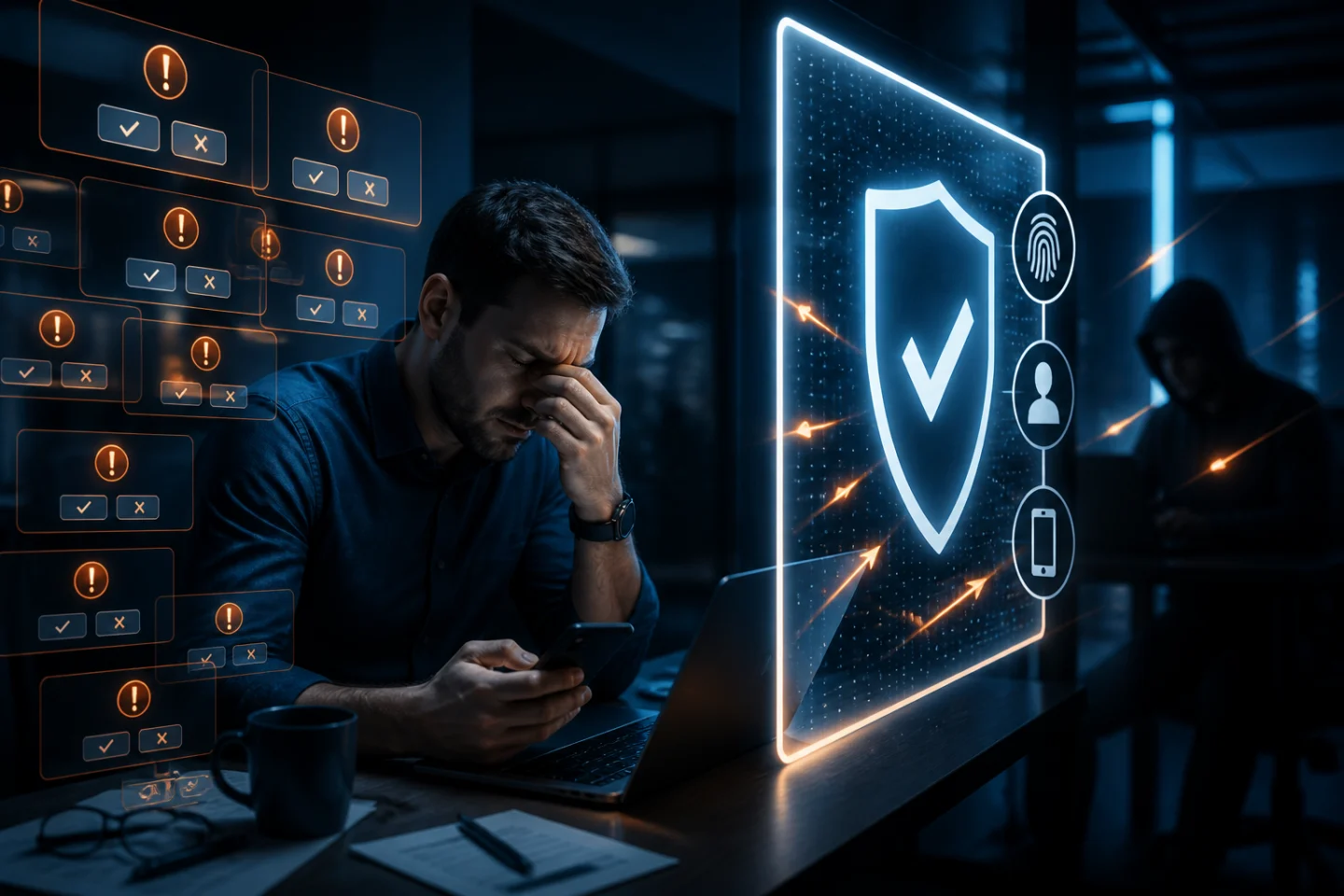
Your phone vibrates.
Approve sign-in?
You aren't logging in, so you tap Deny.
Thirty seconds later:
Approve sign-in?
Deny.
Then another.
And another.
Eventually, you're busy, distracted, or simply frustrated by the constant interruptions.
So you tap:
Approve.
And just like that, an attacker who may already possess your password gets the second factor needed to access your account.
This is MFA fatigue, sometimes called push fatigue, push bombing, or MFA bombing.
It's an important reminder that Multi-Factor Authentication is not automatically secure simply because multiple factors are involved.
Attackers have learned something fundamental about cybersecurity:
Sometimes it's easier to attack the person using the security system than the security system itself.
CISA specifically warns that attackers can bombard users with mobile MFA push notifications until someone approves a request accidentally or simply because they are tired of receiving them.
So how should organizations manage MFA fatigue?
The answer isn't eliminating MFA.
It's implementing authentication that requires fewer unnecessary decisions from users—and makes those decisions much harder for attackers to manipulate.
What Is MFA Fatigue?
MFA fatigue occurs when users receive so many authentication requests that they become less attentive to them.
Sometimes the fatigue develops naturally.
An employee might authenticate:
When starting work
When opening email
When connecting to a VPN
When accessing a cloud application
When entering an administrative system
When a session expires
When changing devices
When performing a sensitive transaction
Individually, each authentication request may seem reasonable.
Collectively, they can create an environment where authentication becomes routine.
The user stops asking:
"Is this request legitimate?"
and starts thinking:
"What do I need to tap so I can keep working?"
That's precisely the behavior attackers want.
How Does an MFA Fatigue Attack Work?
A typical attack begins before the victim receives the first push notification.
The attacker may have already obtained the victim's username and password through:
Phishing
Credential-stealing malware
A previous data breach
Password reuse
Social engineering
Credential marketplaces
The attacker attempts to log in.
The password works.
But MFA blocks access.
So the legitimate user's phone receives an authentication request.
The employee rejects it.
The attacker tries again.
Another notification appears.
And again.
Eventually, the attacker is betting on human behavior.
Maybe the employee accidentally taps Approve.
Maybe the employee assumes one of the prompts is associated with something they did earlier.
Maybe the attacker calls pretending to be the IT department and tells the employee:
"We're troubleshooting your account. Please approve the notification you just received."
Or maybe the employee simply becomes frustrated enough to approve the request to make the interruptions stop.
The authentication technology hasn't necessarily been "hacked."
The attacker manipulated the user into completing authentication on the attacker's behalf.
Why Simple Approve/Deny Push MFA Is Vulnerable
Traditional push MFA was designed to make authentication easier.
Instead of:
Receive code → Remember code → Switch application → Enter code
the user simply receives:
Approve / Deny
That's convenient.
But convenience also reduces the amount of intentional participation required from the user.
CISA places simple push-notification MFA without number matching below stronger authentication methods because it remains vulnerable to push bombing and user error. CISA recommends phishing-resistant MFA as the preferred approach.
The weakness isn't necessarily the presence of a second factor.
It's the fact that the security decision may eventually become little more than:
Tap the button.
And once authentication becomes habitual, attackers have an opportunity to exploit that habit.
MFA Fatigue Isn't Just an Employee Problem
It's easy to blame users.
"They should have known better."
That's not a particularly useful security strategy.
If an authentication system sends employees dozens of repetitive prompts and then relies on those employees to carefully evaluate every one, the organization has created a predictable human vulnerability.
People are:
Busy
Distracted
Multitasking
Working under deadlines
Switching between applications
Responding to customers
Attending meetings
Security architecture needs to account for normal human behavior.
A better question is:
Why are we designing authentication that requires users to make so many security decisions in the first place?
Authentication Fatigue Can Happen Without an Attack

There's another side to the problem.
Employees can experience authentication fatigue even when nobody is attacking them.
Imagine an employee who has to authenticate 15 or 20 times during a normal workday.
Eventually, the security process itself becomes frustrating.
That can lead to:
Reduced productivity
User complaints
Help desk calls
Unsafe workarounds
Automatic approval behavior
Resistance to security initiatives
Ironically, an organization can implement more authentication in an effort to improve security and inadvertently train employees to pay less attention to authentication.
More MFA isn't automatically better MFA.
Best Practice #1: Never Approve a Request You Didn't Initiate
For users, this is the most important rule.
If you receive an authentication request and you aren't actively trying to log in:
Do not approve it.
Repeated unexpected MFA requests should be treated as a potential security incident.
Employees should know exactly what their organization wants them to do when this happens.
That might include:
Denying the request
Reporting it to the security team
Contacting the help desk through a known channel
Reviewing recent login activity
Taking appropriate credential-remediation steps
The key is establishing the procedure before an attack occurs.
Best Practice #2: Don't Trust Someone Simply Because They Know About the MFA Prompt
Imagine receiving repeated authentication requests.
Then your phone rings.
The caller says:
"This is IT. We're updating your account. You should see an authentication request. Please approve it."
The timing makes the call seem legitimate.
But the attacker may simply be coordinating social engineering with the login attempt.
Employees should never authenticate merely because someone calls, texts, or emails telling them to approve a request.
Verify IT or security requests using established corporate channels.
Best Practice #3: Use Number Matching Instead of Simple Approval
Number matching improves push authentication.
Instead of receiving:
Approve? Yes / No
the legitimate login screen displays a number.
The authentication application requires the user to correlate that number with the authentication request.
This forces the user to interact with the authentication session they actually initiated.
An attacker repeatedly generating random push notifications can't rely as easily on the employee eventually tapping Approve.
CISA recommends number matching as an interim defense for organizations that cannot immediately move to phishing-resistant MFA.
But there's an important qualification:
Number matching improves push MFA. It doesn't make every push implementation immune to phishing or social engineering.
Best Practice #4: Rate-Limit Push Notifications
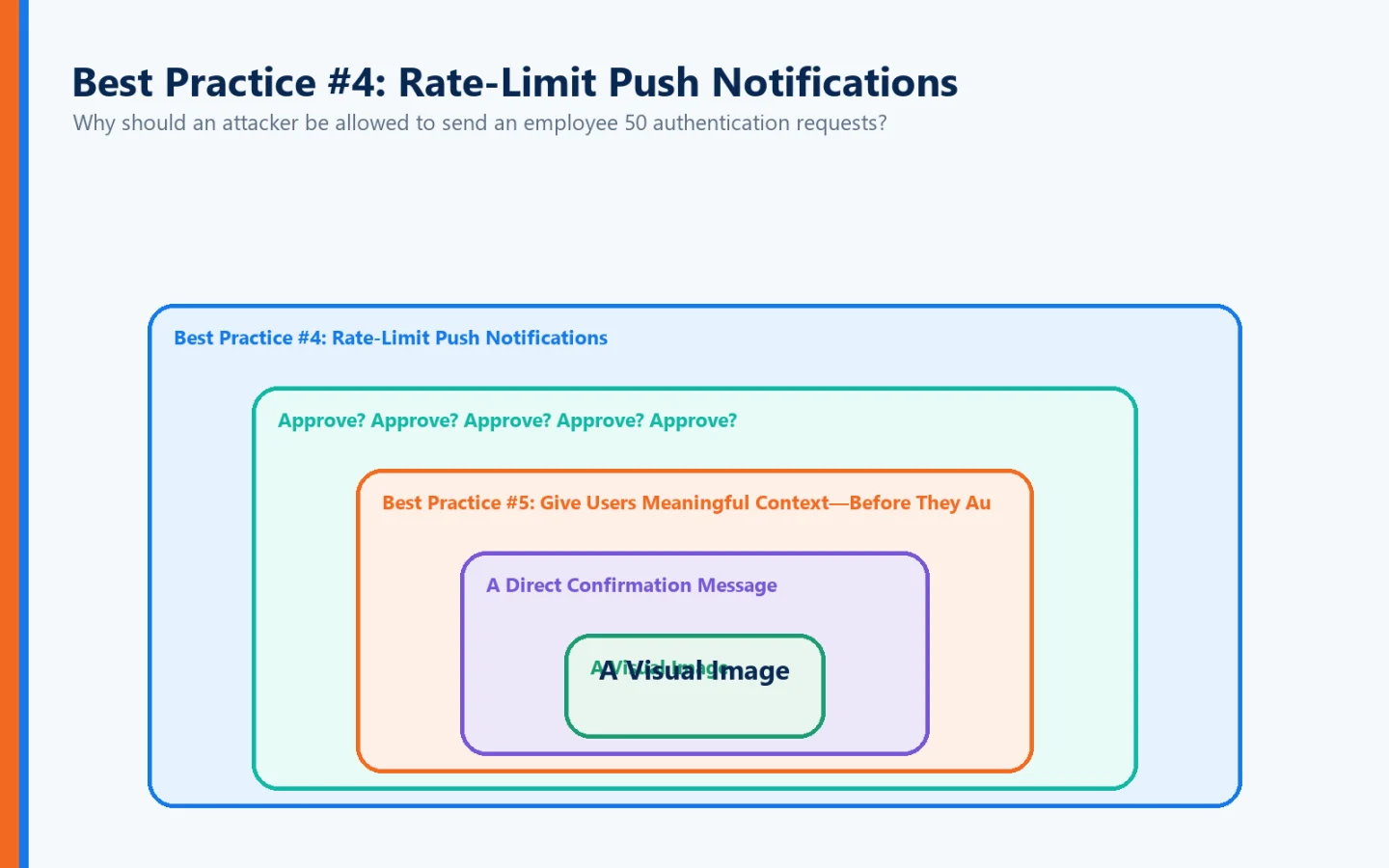
Why should an attacker be allowed to send an employee 50 authentication requests?
They shouldn't.
Organizations should limit the rate and total number of authentication prompts that can be generated.
Current NIST guidance recommends reasonable limits on the rate or total number of push notifications sent since the last successful authentication.
That helps turn this:
Approve? Approve? Approve? Approve? Approve?
into:
Something unusual is happening. Stop and investigate.
Security teams should also monitor repeated authentication attempts as potential indicators of compromise.
Best Practice #5: Give Users Meaningful Context—Before They Authenticate
One of the biggest problems with conventional push MFA is how little information the user may receive.
A notification appears:
Approve Sign-In?
Approve | Deny
But approve what?
Was the authentication request generated by something the user just did—or by an attacker who already has the user's credentials?
Identité takes a more contextual approach.
During the authentication process, the user can be presented with multiple pieces of information together on the same screen to help establish whether the request corresponds to an action they actually initiated.
For example, the authentication screen can include:
A Direct Confirmation Message
At the top of the authentication screen, Identité presents the user with a direct question such as:
"Did you request this authentication session?"
That may seem like a small change.
It isn't.
Instead of simply asking the user to press an unexplained Approve button, the message requires the user to consider something specific:
Did I actually initiate this?
If the answer is no, the user immediately has a reason to stop.
A Visual Image
The same authentication experience also presents an image, giving the user another visual element associated with the authentication session.
The user isn't simply looking at an anonymous notification demanding approval.
There is additional context available as part of the authentication experience.
A Three-Digit Verification Number
Identité also incorporates a three-digit number into the authentication interaction.
Rather than reducing authentication to a habitual:
Tap Approve → Continue
the user receives several contextual elements together on the same screen:
The question + The image + The three-digit number
The authentication process is therefore designed to encourage the user to consciously evaluate what is happening.
This is important because MFA fatigue attacks depend on precisely the opposite behavior.
The attacker wants:
See prompt → Tap Approve
Identité's approach encourages:
Look → Confirm → Authenticate
From Approval to Intent
This distinction deserves special attention.
Traditional push authentication often revolves around one concept:
APPROVAL
But approval and intent aren't necessarily the same thing.
A distracted employee can approve something.
A frustrated employee can approve something.
An employee experiencing dozens of authentication prompts can eventually approve something simply to make the notifications disappear.
But asking:
"Did you request this authentication session?"
connects the authentication event directly to the user's intent.
That's a better security question.
The user isn't simply being asked:
"Will you allow this?"
The user is being asked:
"Is this authentication request the result of something YOU actually initiated?"
That changes the nature of the interaction.
Why Context Matters in an MFA Fatigue Attack
Consider the attacker's objective.
They don't necessarily need to break the MFA technology.
They need the legitimate user to complete authentication for them.
A generic approval prompt helps the attacker because it provides very little context.
Now consider an authentication experience presenting:
"Did you request this authentication session?"
along with:
An image
and:
A three-digit verification number
on the same authentication screen.
The employee has more information available before making the security decision.
Instead of treating authentication as a reflex, the process encourages the user to connect the request to an action they knowingly initiated.
This doesn't mean users should become the only line of defense.
Quite the opposite.
Context should complement stronger authentication architecture—not replace it.
And that's where Full Duplex Authentication® becomes particularly important.
Best Practice #6: Reduce Unnecessary Authentication Prompts
One of the best ways to combat MFA fatigue is remarkably simple:
Stop generating unnecessary MFA fatigue in the first place.
If employees are constantly challenged during legitimate work, they become conditioned to respond automatically.
Authentication policies should therefore consider:
Session duration
Device trust
Application sensitivity
User role
Risk level
Transaction sensitivity
Existing authentication state
A routine activity performed by a strongly authenticated employee on a trusted corporate device may not require the same authentication experience as an administrator accessing a highly sensitive system.
The objective shouldn't be:
Maximum number of authentication prompts.
It should be:
Maximum authentication confidence with minimum unnecessary friction.
Best Practice #7: Move Toward Phishing-Resistant Authentication
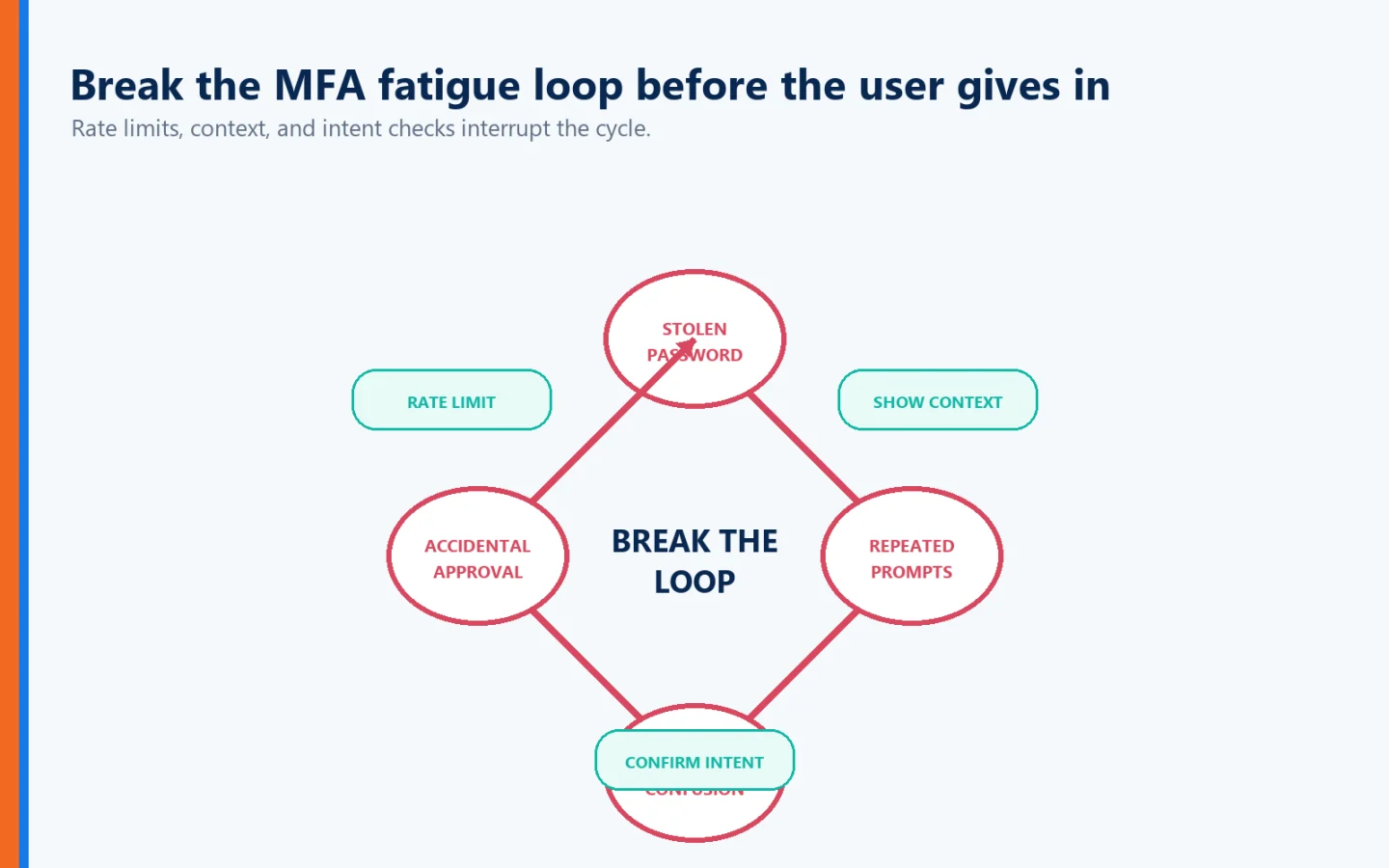
Number matching is useful.
Context is useful.
Training is useful.
Rate limiting is useful.
But organizations should continue moving toward authentication designed to resist phishing rather than relying entirely on employees to identify every fraudulent authentication attempt.
CISA recommends phishing-resistant MFA as the strongest form of MFA and identifies approaches such as FIDO/WebAuthn and PKI-based authentication as phishing-resistant options.
Why?
Because humans will occasionally make mistakes.
Attackers know that.
Security architecture should know it too.
But There's Another Problem: What If the Website Is Fake?
MFA fatigue highlights a broader weakness in traditional authentication.
Most authentication systems concentrate on one question:
"Is this really the authorized user?"
But suppose the employee is interacting with an imposter website.
The site may look exactly like:
Microsoft 365
A corporate VPN
A bank
A healthcare portal
An internal business application
The attacker can copy:
Logos
Colors
Fonts
Login screens
Corporate branding
A user may initiate authentication willingly because they believe the website is legitimate.
In that situation, the user isn't tired.
They aren't distracted.
They may be doing exactly what they think they're supposed to do.
They're simply authenticating to the wrong destination.
That's why reducing MFA fatigue alone doesn't solve the entire authentication problem.
Authentication Should Work Both Ways
Traditional authentication primarily requires the user to prove identity to the system.
But modern digital trust should address both sides.
The user should establish:
"I am legitimate."
And the destination should establish:
"I am legitimate too."
That is the principle behind Identité's patented Full Duplex Authentication®.
What Is Full Duplex Authentication®?
Full Duplex Authentication® (FDA) is the patented technology powering Identité's PasswordFree® SaaS solution and NoPass™ enterprise PaaS solution.
FDA establishes mutual authentication.
Instead of simply asking whether the user is legitimate, the authentication relationship also requires the legitimate application or website to establish its identity.
Traditional authentication asks:
"Are you really you?"
Full Duplex Authentication® adds:
"Am I really who you intended to connect with?"
That distinction matters enormously in a world of phishing, lookalike domains, and imposter websites.
How Full Duplex Authentication® Changes the MFA Fatigue Conversation

Now put the pieces together.
During an Identité authentication experience, the user can receive contextual information designed to answer:
"Did I initiate this authentication session?"
The image and three-digit number provide additional session context.
The biometric can help establish:
"Am I the authorized user?"
The trusted device participates in establishing:
"Is this the authorized device?"
And Full Duplex Authentication® addresses:
"Is this the legitimate destination?"
This moves authentication beyond a simple:
Approve / Deny
interaction.
Instead, the authentication relationship incorporates:
Intent + Context + Identity + Device Trust + Destination Trust
That's a much broader way to think about authentication security.
The Best MFA Prompt May Be the One You Don't Need
For years, cybersecurity often equated friction with security.
More password complexity.
More frequent password changes.
More codes.
More prompts.
More approvals.
But friction and security aren't the same thing.
Sometimes additional friction improves security.
Sometimes it merely makes employees frustrated.
And sometimes it trains them into precisely the behavior an attacker wants.
The goal should be:
Maximum authentication confidence with minimum unnecessary user interaction.
That is especially important in environments where authentication frequency can directly affect productivity.
Consider Healthcare
Imagine a physician or nurse moving between clinical systems throughout a shift.
They may need rapid access to:
Electronic health records
Medication systems
Diagnostic applications
Clinical workstations
Administrative systems
Security is critical.
But repeatedly interrupting clinicians with ambiguous MFA prompts can create authentication fatigue while interfering with patient care.
Healthcare organizations therefore need authentication that is both:
Strong enough to protect sensitive information
and:
Fast enough to support clinical workflows.
Security and usability cannot be treated as unrelated objectives.
Financial Institutions Face Similar Challenges
Banks have extremely high security requirements.
But employees may also access numerous systems throughout the day.
A financial institution needs to protect:
Customer information
Financial transactions
Administrative systems
Privileged accounts
Internal applications
The answer cannot simply be:
"Send more authentication prompts."
Authentication needs to reflect risk, user role, transaction sensitivity, device trust, and organizational policy.
For highly regulated organizations, control over the authentication infrastructure itself may also matter.
That's one reason Identité provides both SaaS and enterprise deployment options.
PasswordFree® — SaaS Authentication Without Constant Password Dependency
PasswordFree® is Identité's SaaS passwordless authentication solution.
It is designed around:
Passwordless authentication
Patented Full Duplex Authentication®
Mutual authentication
Decentralized biometric verification
Contextual authentication
Reduced authentication friction
Protection against phishing and imposter websites
Emergency PIN Authentication
Secure Backup & Restore
Compatible third-party authentication alternatives
The objective isn't simply to replace one MFA prompt with another.
It's to create a stronger authentication relationship that reduces dependence on passwords and unnecessary user interaction.
NoPass™ — Enterprise Authentication With Greater Control
For organizations requiring deeper enterprise integration and deployment control, NoPass™ is Identité's PaaS solution powered by patented Full Duplex Authentication®.
NoPass™ can be deployed on premises or in the cloud and is designed for environments involving:
Microsoft Active Directory
Microsoft Entra ID
Microsoft 365 / Office 365
Microsoft Azure
This can be particularly important for banks, healthcare organizations, government agencies, and other regulated enterprises.
Financial institutions that prefer to keep sensitive authentication infrastructure within their own controlled environments can deploy NoPass™ on premises.
Biometrics Can Reduce Authentication Friction—But Privacy Matters
Biometric authentication can significantly simplify the user experience.
Instead of:
Password → Push notification → Approve
the user may be able to verify identity using:
Fingerprint or face → Authenticated
But biometric convenience raises an important question:
Where is the biometric information stored?
Identité uses a decentralized authentication architecture designed so biometric information remains on the user's trusted device.
The biometric does not need to be transmitted to Identité, the employer, or a centralized Identité biometric repository for matching.
Your biometric data stays on your device.
This provides an important privacy advantage while reducing the risks associated with creating centralized collections of sensitive biometric information.
What If the Phone Isn't Available?
Reducing authentication fatigue is only useful if the authentication system also addresses business continuity.
Phones get:
Lost
Stolen
Broken
Replaced
Forgotten
Left without power
Identité provides an Emergency PIN Authentication capability that, when permitted by organizational policy, can provide controlled temporary access when the primary device isn't available.
If the device must be replaced, Secure Backup & Restore allows the authentication profile to be backed up according to organizational configuration to approved cloud or corporate-network infrastructure.
The profile can then be restored to a replacement device in less than two minutes.
The objective is simple:
Strong security shouldn't become unnecessary downtime.
Hardware Keys Provide Another Option
Not everyone wants—or is permitted—to use a smartphone.
Some organizations operate in environments where phones are restricted.
Some employees prefer physical authentication devices.
Some privileged users may require stronger authentication.
Identité is compatible with supported third-party hardware authentication options, including security keys such as YubiKey®.
Authentication architecture should accommodate different users and environments rather than forcing everyone into the same workflow.
An MFA Fatigue Management Checklist
Organizations looking to reduce MFA fatigue should focus on technology, policy, and user experience:
Never rely on passwords alone.
Teach users never to approve authentication requests they didn't initiate.
Establish a clear reporting procedure for unexpected MFA prompts.
Replace simple Approve/Deny push authentication with stronger approaches.
Use number matching where push MFA remains necessary.
Ask users explicitly whether they initiated the authentication session.
Provide meaningful visual and numerical authentication context.
Rate-limit repeated authentication requests.
Monitor repeated MFA attempts as possible indicators of compromise.
Reduce unnecessary authentication prompts.
Use risk-appropriate authentication policies instead of challenging everyone constantly.
Prioritize phishing-resistant authentication for high-risk users and systems.
Consider mutual authentication so the destination establishes trust too.
Provide secure recovery methods before devices are lost.
Offer appropriate authentication alternatives for different users and environments.
Measure authentication success by security and usability—not simply by the number of challenges issued.
The Identité Perspective
MFA fatigue teaches us an important cybersecurity lesson.
More authentication isn't necessarily better authentication.
If employees receive so many prompts that authentication becomes an automatic reflex, additional security controls can begin working against their intended purpose.
The answer isn't abandoning MFA.
It's designing authentication around intent, context, and stronger trust.
Instead of simply presenting:
Approve?
Identité can ask:
"Did you request this authentication session?"
The image and three-digit number provide additional context surrounding the authentication event.
The biometric can help establish:
"I am the authorized user."
The trusted device participates in establishing:
"This is the authorized device."
Patented Full Duplex Authentication® establishes:
"This is the legitimate destination."
And Identité's decentralized architecture is designed around another important principle:
"My biometric data stays on my device."
Through PasswordFree® and NoPass™, these capabilities can be combined with passwordless authentication, compatible hardware security keys, Emergency PIN Authentication, Secure Backup & Restore, and flexible enterprise deployment.
Because employees shouldn't have to become professional cybersecurity analysts every time their phones vibrate.
And organizations shouldn't measure authentication security by how many times they can interrupt their employees.
The evolution we should be working toward is:
Approval → Intent
Prompt → Context
User verification → Mutual authentication
Friction → Trust
The goal isn't more authentication.
It's better authentication—strong enough to stop attackers, contextual enough to help users recognize legitimate requests, and simple enough that authorized employees can get back to work.