



Contact
Share the account-access or approval workflow you are considering. Use that context to discuss product fit, integration requirements and a next step.
Resources
Open the architecture, product guidance and demonstrations you need. Read at your own pace and go directly to the material.
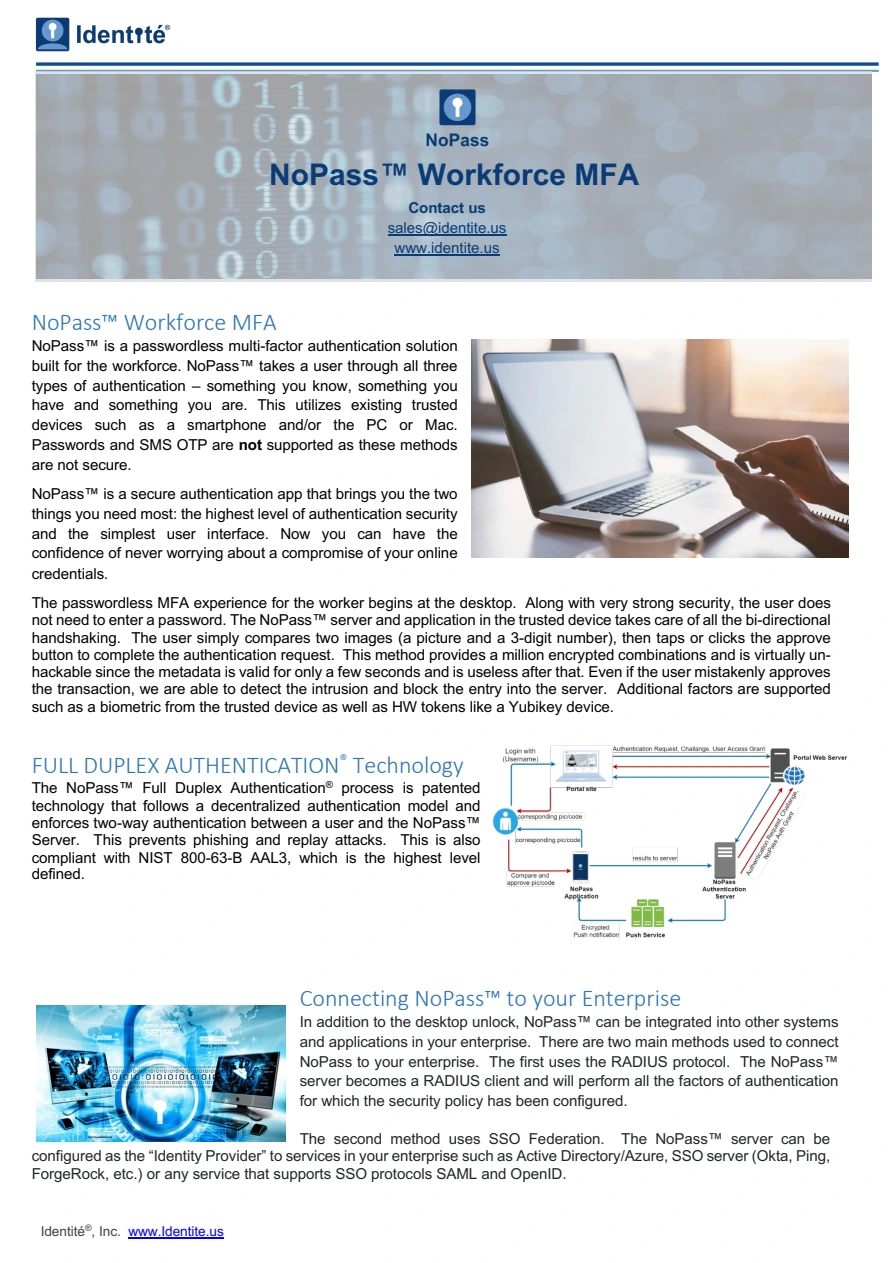
Read how the authentication server and enrolled app establish a two-way relationship, and how the user participates in the decision.
Choose the instructions for the product and experience you are connecting.
Explore two different interactions below: a returning customer’s LoginFree sign-in, and an operation that waits for confirmation on the person’s phone. Each example keeps the decision where it belongs in that flow.
PasswordFree · BigCommerce LoginFree · interactive example
An enrolled customer chooses PasswordFree to return to their account. Try the sign-in button in the store.
Your orders. Your account.
Open the enrolled app and point the phone at the store’s QR code. Here, select Scan QR code in the phone’s viewfinder.
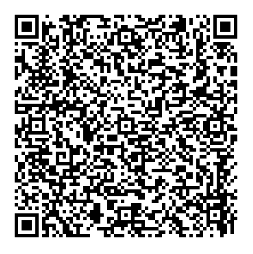
Point your camera at the store
Compare the black picture and code on the two screens. If they match, select Accept in the store. If anything looks wrong, select Decline.
Do the picture and number match your phone?
 501
501Compare with the store
501If they match, select Accept in the store. Otherwise, select Decline.
The store opens the customer account and the phone shows a green confirmation.
Try the highlighted button or use the controls below.
Transaction approval · interactive example
The application sends a NoPass approval request to the person responsible. Start the request in the application.
Open the push notification on the enrolled phone. The application waits while you check the request.
Supplier payment
Compare the black picture and number. If this is the request you intended, select Confirm on the phone, using the local confirmation configured for your device, such as fingerprint or Face ID.
Compare this picture and number with your phone.
501Do you approve this transaction?
501Approval received. The application still applies its own permissions and execution policy before carrying out the operation.
Your approval has been sent.
Try the highlighted button or use the controls below.