




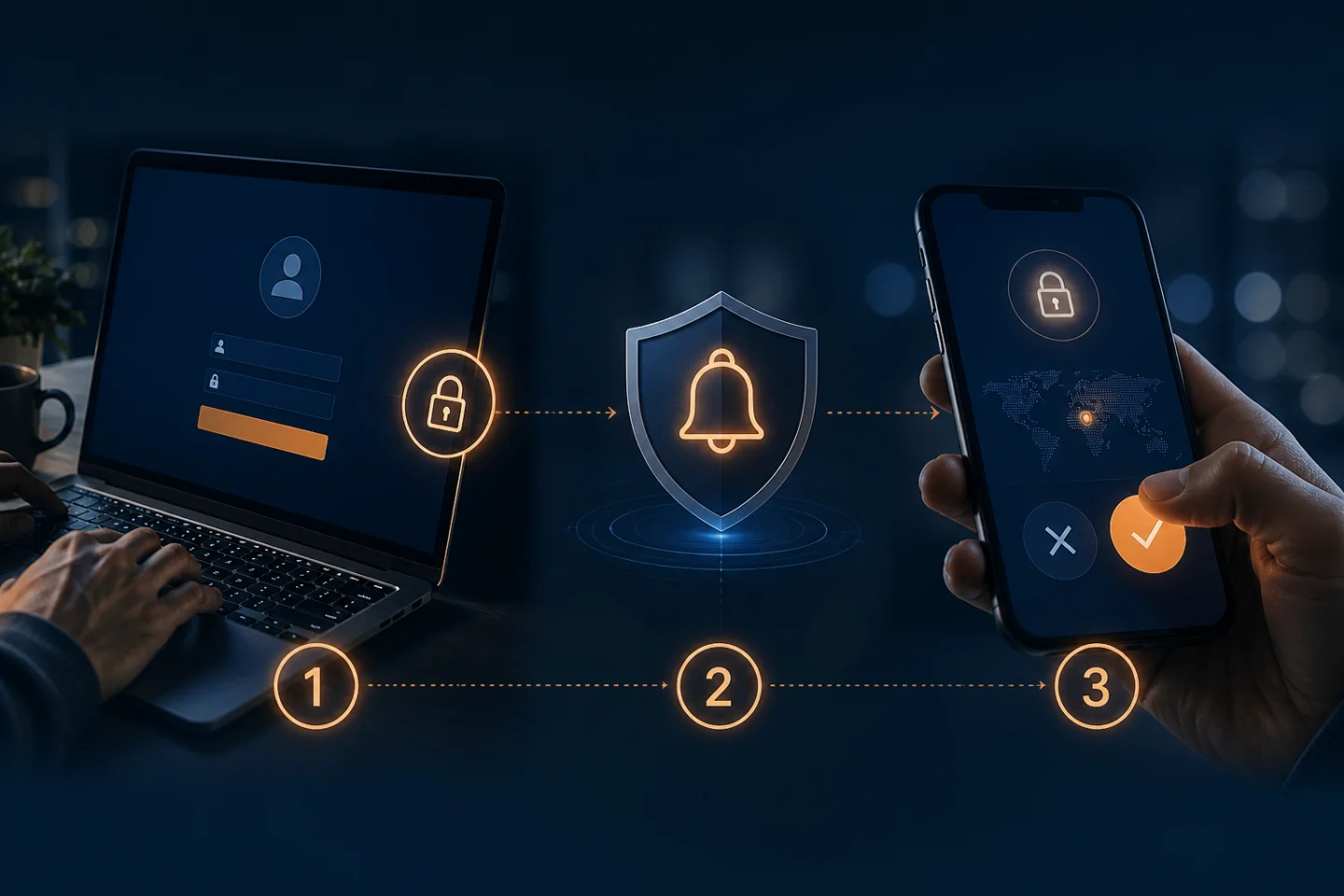
You enter your username and password.
Almost immediately, your phone vibrates.
A notification appears:
“Are you trying to sign in?”
You tap Approve.
Access granted.
That's push notification Multi-Factor Authentication (MFA), and it has become one of the most familiar forms of workplace authentication.
Its popularity isn't difficult to understand. Push MFA eliminates the need to wait for a text message, copy a six-digit code, or carry a separate token. A user can often approve a login in seconds.
But that simplicity raises an important question:
What exactly happens when you tap “Approve”?
And an even more important cybersecurity question:
What happens when the person generating the authentication request isn't you?
Push notification MFA can provide meaningful security improvements over passwords alone. But conventional approval-based authentication also has weaknesses—particularly when users are conditioned to approve requests without carefully considering where they originated.
Understanding those strengths and limitations can help organizations make better decisions about MFA and determine when it's time to move toward stronger forms of authentication.
What Is Push Notification MFA?
Push notification MFA is an application-based authentication method that uses a registered device—usually a smartphone—as an additional authentication factor.
A typical login works something like this:
You enter your username and password.
The authentication system verifies those credentials.
The system sends an authentication request to an application registered on your smartphone.
Your phone displays a push notification.
You review the request.
You approve or deny it.
If approved, the authentication system allows the login to continue.
CISA describes mobile push-notification MFA in essentially this way: the user authenticates, the identity platform signals the mobile application, and the user accepts the resulting prompt.
The phone therefore becomes part of the authentication process.
Instead of relying exclusively on:
Something you know — your password
the system adds:
Something you have — your registered device
That's the basic concept behind push MFA.
Why Did Push MFA Become So Popular?
Convenience.
Compare two experiences.
SMS Authentication
Enter password → Wait for text → Read code → Return to application → Type code → Continue
Push Authentication
Enter password → Receive notification → Approve → Continue
Removing those extra steps can make authentication considerably easier, particularly for employees who authenticate multiple times during a workday.
Push authentication also avoids some of the telecommunications-related vulnerabilities associated with SMS, such as SIM swapping and attacks involving the cellular network. CISA ranks app-based methods above SMS or voice MFA, although it distinguishes stronger app-based approaches from simple push approval.
But convenience introduces another problem.
The easier it becomes to press “Approve,” the easier it can become to approve something you shouldn't.
The Critical Weakness: Who Started the Login?
Imagine you're sitting at your desk when your phone suddenly displays:
Approve Sign-In?
You aren't currently signing in anywhere.
What happened?
One possibility is that an attacker has obtained your username and password.
The criminal attempts to log in.
Your organization's authentication system recognizes the password and sends the MFA request to your legitimate phone.
The security system is effectively asking:
“Is this really you?”
The problem is that the user may not know exactly what generated the request.
If you press Deny, the attacker remains outside.
If you press Approve, you may have just completed the attacker's authentication for them.
MFA Fatigue: When Attackers Weaponize the Approve Button
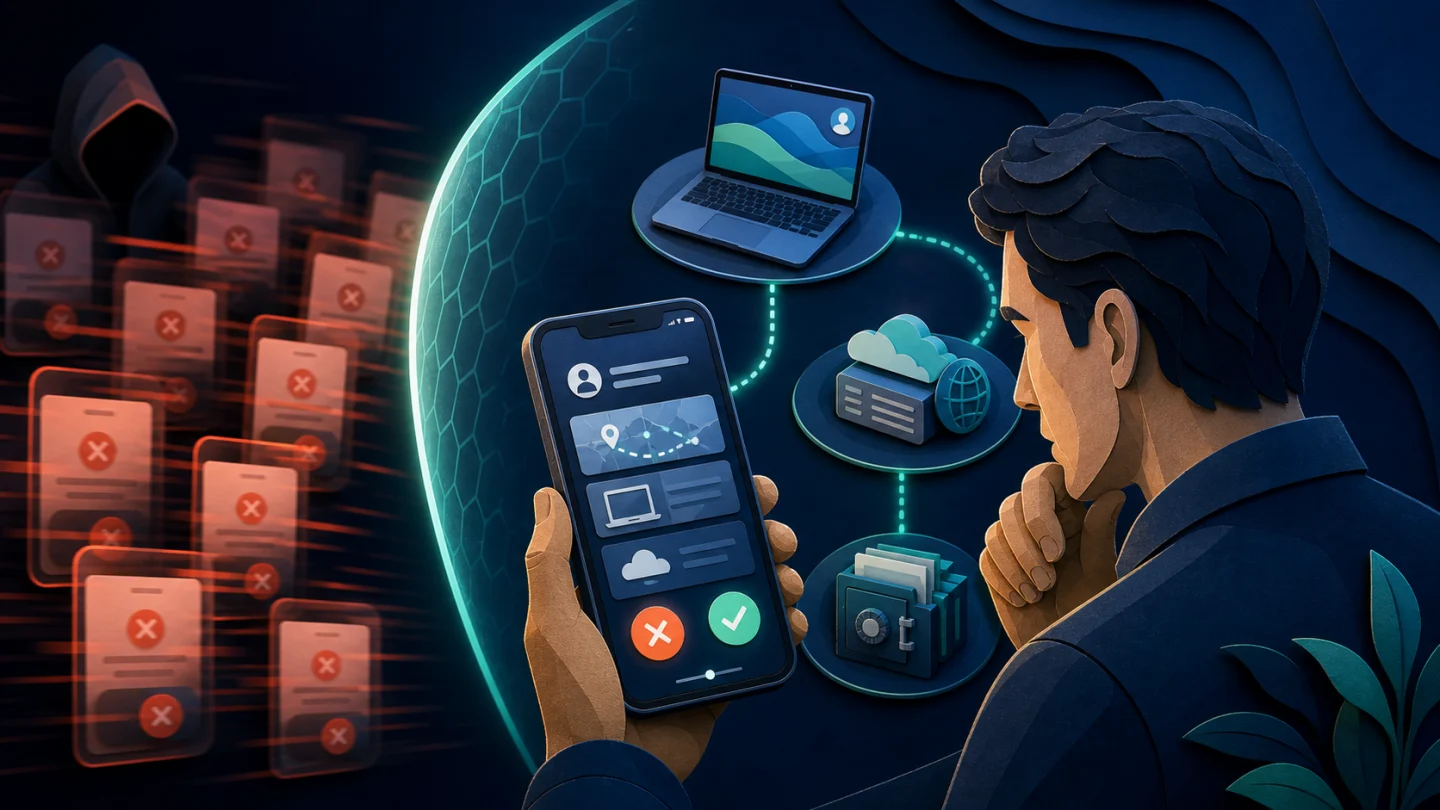
Cybercriminals discovered that they don't necessarily need to defeat the authentication technology.
Sometimes they can simply wear down the person using it.
An attacker with a stolen password may repeatedly attempt to log in.
Your phone receives:
Approve?
You deny it.
Another arrives.
Approve?
Then another.
And another.
Eventually, the attacker hopes you will approve one:
Accidentally
Out of frustration
Because you're distracted
Because you assume it's legitimate
Simply to make the notifications stop
This is known as MFA fatigue, push fatigue, or push bombing.
CISA specifically warns about this technique and recommends phishing-resistant MFA as the stronger solution. Where organizations cannot immediately deploy phishing-resistant MFA, CISA recommends number matching as an interim defense against MFA-fatigue attacks.
That's an important distinction.
MFA can be present and an attacker can still exploit the authentication experience.
Number Matching Makes Push MFA Better
Modern push authentication can improve on the simple:
Approve / Deny
model.
With number matching, the website or application displays a number.
For example:
42
The phone receives the authentication request, but instead of simply tapping Approve, the user must enter or match 42 in the authenticator application.
Microsoft now uses number matching for Authenticator push notifications and describes it as an important security improvement over traditional second-factor notifications.
Why does that help?
Because an attacker randomly bombarding your phone with approval requests can no longer rely as easily on you simply tapping:
Approve.
You need information associated with the authentication session you actually initiated.
That's better.
But there's another important point organizations should understand.
Better push MFA isn't necessarily the same thing as phishing-resistant authentication.
Push MFA Can Still Be Vulnerable to Phishing
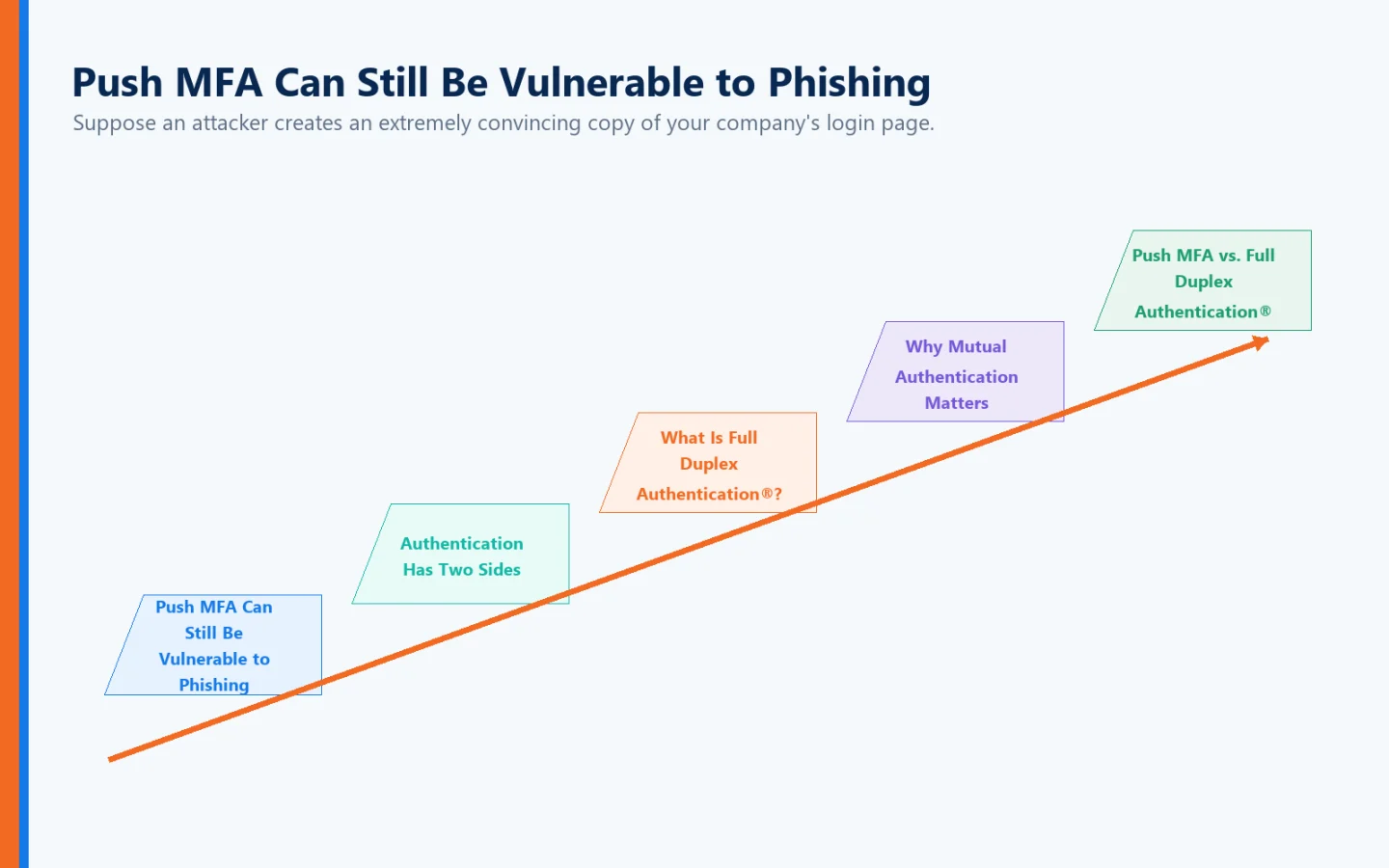
Suppose an attacker creates an extremely convincing copy of your company's login page.
You click a link in an email.
The page looks legitimate.
You enter your username and password.
The attacker immediately submits those credentials to the real corporate website.
The legitimate authentication system sends a push notification to your phone.
You think:
“That makes sense. I'm logging in.”
So you approve it.
The MFA system correctly authenticated your registered device.
The problem is that you started the process on an imposter website.
NIST's current digital identity guidance states that out-of-band authentication is not phishing-resistant, while CISA similarly notes that push-notification authenticator applications generally do not protect against phishing.
This exposes one of the fundamental limitations of many conventional authentication systems:
They spend enormous effort determining whether the user is legitimate while still relying heavily on the user to determine whether the destination is legitimate.
Authentication Has Two Sides
Consider what conventional MFA is primarily designed to establish:
“Are you really the authorized user?”
That's obviously important.
But what about:
“Is this really the website or application you intended to access?”
Cybercriminals understand this imbalance extremely well.
They create:
Lookalike domains
Cloned corporate portals
Fake Microsoft 365 login pages
Fraudulent banking sites
Fake VPN portals
Imposter SaaS applications
They can copy:
Logos
Colors
Fonts
Graphics
Login screens
Corporate branding
A user may have difficulty distinguishing the fake from the real thing.
That's where the authentication conversation needs to move beyond simply adding another approval prompt.
What Is Full Duplex Authentication®?
Full Duplex Authentication® (FDA) is Identité's patented authentication technology and is designed around a fundamentally different principle:
Both sides of the digital relationship should establish trust.
The user authenticates to the legitimate application or website, while the application or website must also authenticate itself as legitimate.
Traditional authentication primarily asks:
“Is this the authorized user?”
Full Duplex Authentication® additionally establishes:
“Is this the legitimate destination?”
That distinction becomes increasingly important in an environment filled with phishing sites, lookalike domains, and digital impersonation.
Why Mutual Authentication Matters
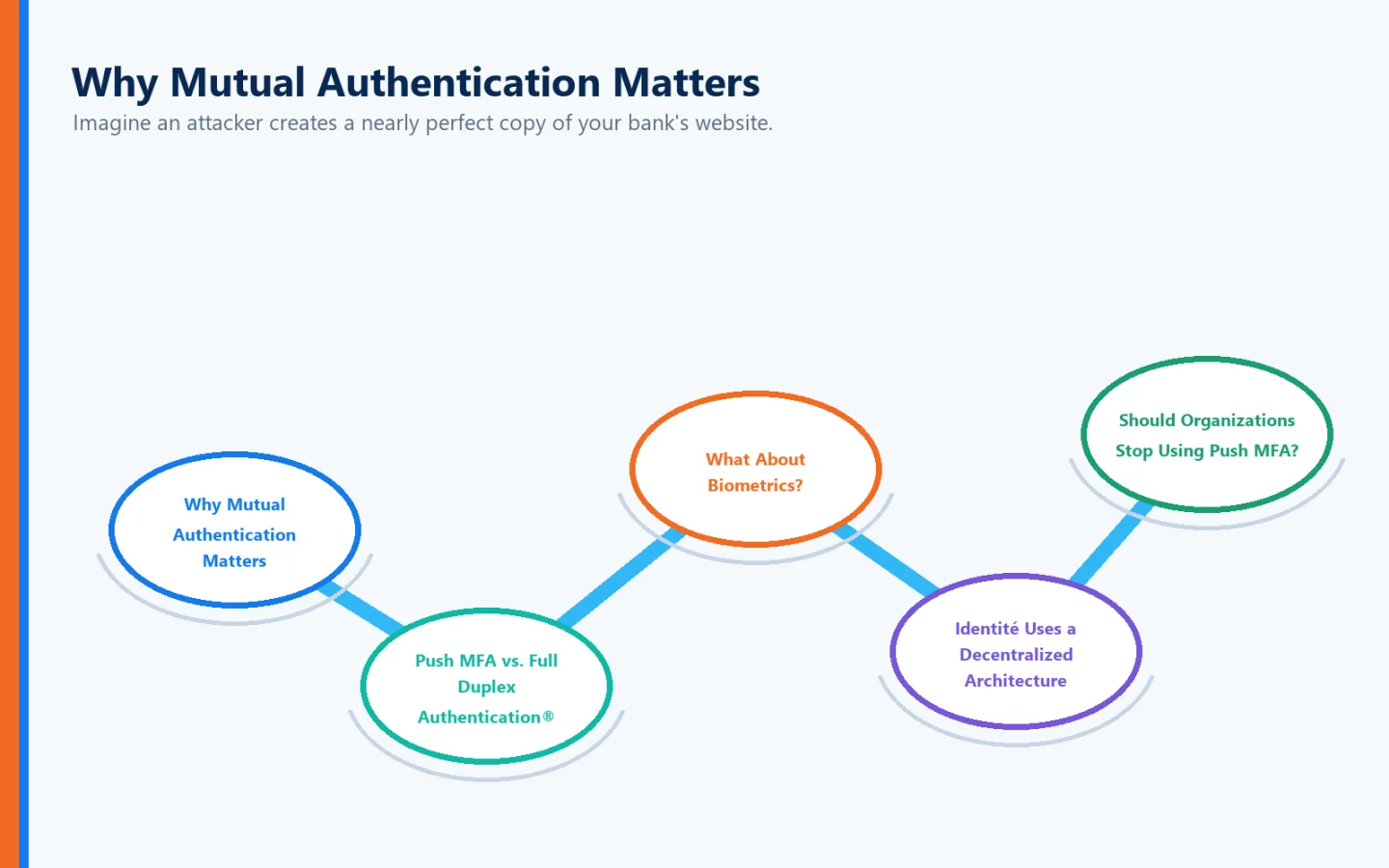
Imagine an attacker creates a nearly perfect copy of your bank's website.
Everything looks correct.
The logo is correct.
The colors are correct.
The login screen is correct.
Even the domain may differ from the real one by only a character.
A conventional authentication process may still ask you to prove who you are.
Full Duplex Authentication® addresses the other half of the relationship.
The destination must establish its identity as well.
An imposter website can copy the appearance of a legitimate website.
But it cannot successfully perform the legitimate site's side of Full Duplex Authentication®.
That's a major philosophical difference.
Instead of putting the entire burden on the user to identify fraud, the authentication architecture itself participates in establishing whether the destination can be trusted.
Push MFA vs. Full Duplex Authentication®
The distinction can be summarized simply:
Authentication Approach | Primary Question |
Password | Do you know the secret? |
SMS MFA | Do you know the password and possess the phone number? |
Conventional Push MFA | Do you know the password and possess the registered device? |
Push + Number Matching | Can you correlate the registered device with this authentication attempt? |
Can the user and the legitimate destination establish trust with one another? |
Push MFA improves user verification.
FDA changes the trust relationship itself.
What About Biometrics?
Push authentication is frequently combined with biometric security.
A phone may require:
Fingerprint recognition
Facial recognition
Device PIN
before the authentication request can be approved.
This can strengthen the process because simply possessing the phone may not be enough.
NIST's guidance recognizes multi-factor out-of-band authenticators that require an activation factor such as a password or biometric before authentication can be completed.
But biometric authentication raises another question:
Where does the biometric data go?
That's especially important because a password can be changed.
Your fingerprint cannot.
Identité Uses a Decentralized Architecture
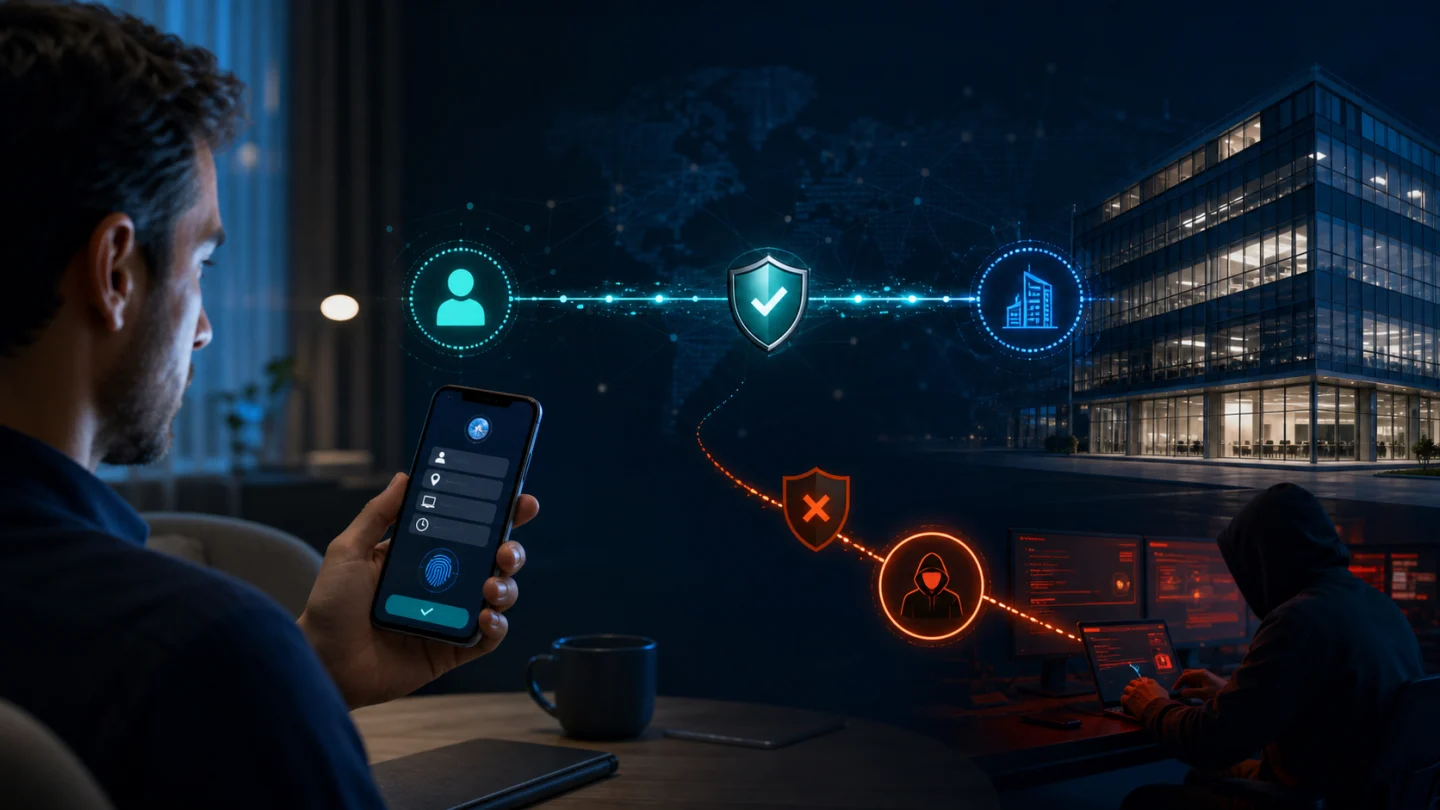
Identité utilizes a decentralized authentication architecture designed so that biometric data remains on the user's trusted device.
When fingerprint or facial recognition is used, the biometric information does not need to be sent to Identité, the employer, or a centralized biometric database for matching.
Your biometric data stays on your device.
The organization needs the authentication result.
It doesn't need possession of the user's fingerprint or facial biometric information.
This helps reduce the security and privacy risks associated with concentrating sensitive biometric information in a centralized repository.
Should Organizations Stop Using Push MFA?
Not necessarily.
Security isn't always a choice between:
Perfect
and
Worthless.
Push MFA can provide significantly more protection than passwords alone, particularly when it is properly implemented.
Organizations currently using push authentication should consider practices such as:
Number matching
Limiting repeated push requests
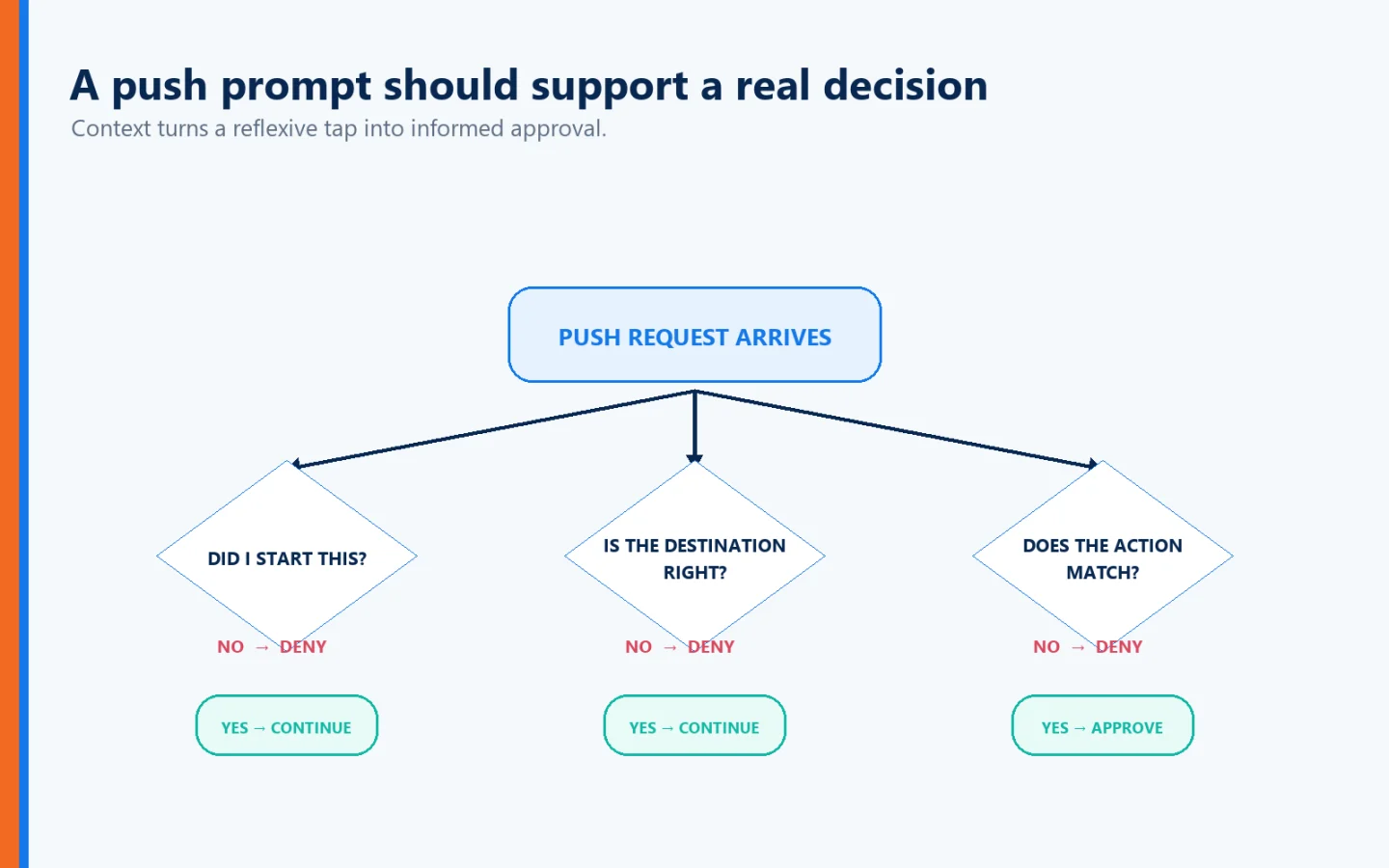
Providing users with context about authentication attempts
Training employees never to approve unexpected requests
Monitoring suspicious authentication behavior
Moving high-risk users toward phishing-resistant methods
Developing a longer-term strategy for passwordless and phishing-resistant authentication
NIST specifically says out-of-band verifiers sending push notifications should impose reasonable limits on the rate or total number of pushes since the last successful authentication.
And CISA's hierarchy is worth remembering: phishing-resistant MFA is preferred, while number-matched push authentication is a useful option for organizations that cannot immediately make that transition.
Never Approve a Push Request You Didn't Initiate
For employees, one rule matters above almost everything else:
If you aren't trying to log in, don't approve the authentication request.
An unexpected push notification should be treated as suspicious.
If repeated requests appear, follow your organization's security procedures rather than simply approving one to make them disappear.
An MFA prompt isn't merely a nuisance.
It could be evidence that someone already possesses your password.
Don't Train Employees to Click “Approve”
Organizations should also think carefully about authentication fatigue.
If employees receive authentication requests constantly throughout the day, they can become conditioned to respond automatically.
Authentication changes from:
“Let me verify that this is legitimate.”
to:
“Tap the button so I can get back to work.”
That's not the behavior security teams want.
The objective shouldn't be to generate the maximum number of MFA prompts.
It should be:
Maximum authentication confidence with minimum unnecessary friction.
PasswordFree® — Moving Beyond Conventional Push Authentication
For organizations seeking a cloud-delivered passwordless authentication solution, Identité offers PasswordFree®, our SaaS solution.
PasswordFree® is designed around:
Passwordless authentication
Patented Full Duplex Authentication®
Mutual authentication
Decentralized biometric verification
Protection against phishing and imposter websites
Reduced authentication friction
Emergency PIN Authentication
Secure Backup & Restore
Compatible third-party authentication options
Rather than simply adding another approval step to a password, the objective is to reduce dependence on passwords while strengthening the underlying authentication relationship.
NoPass™ — Enterprise Authentication With Greater Control
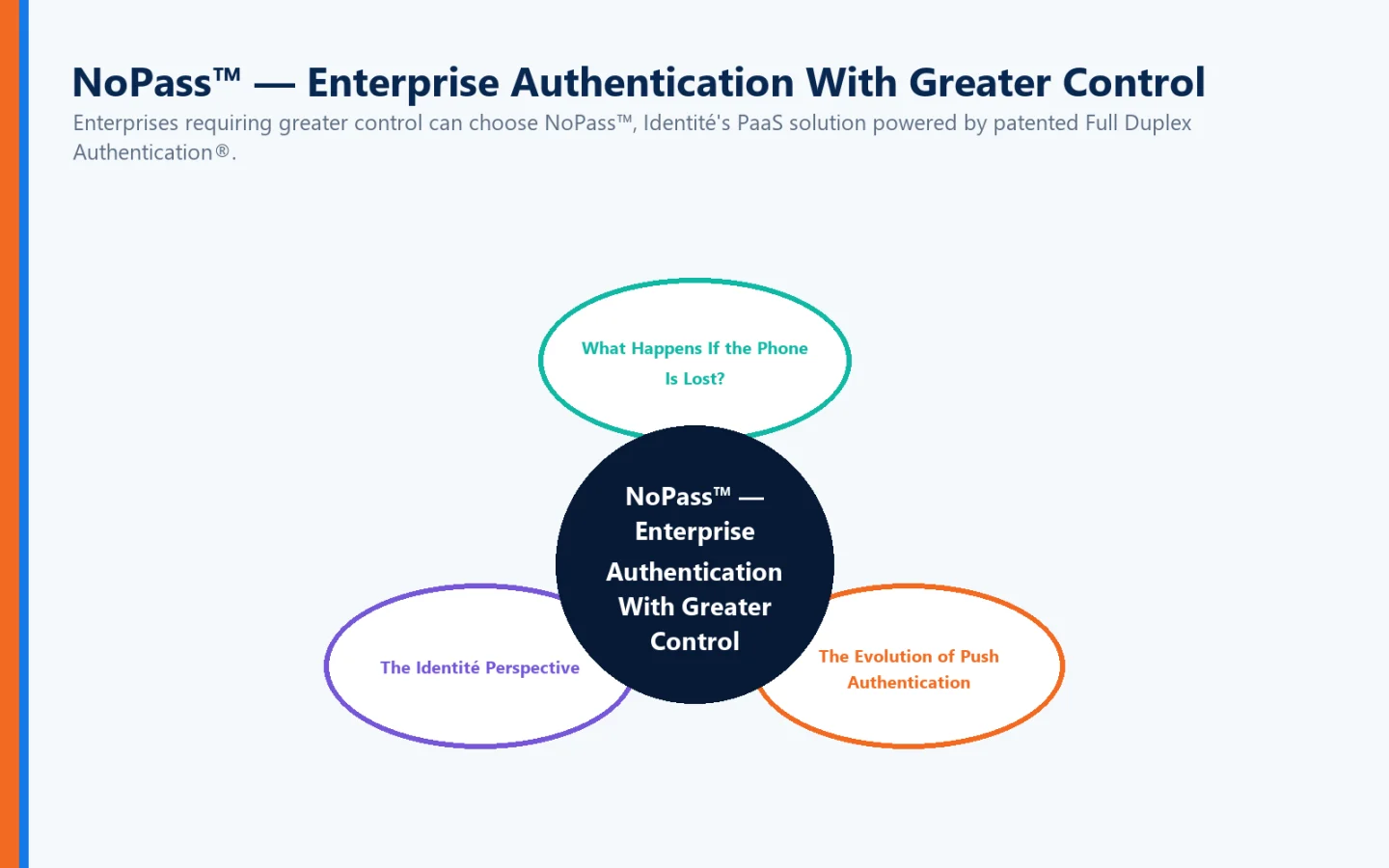
Enterprises requiring greater control can choose NoPass™, Identité's PaaS solution powered by patented Full Duplex Authentication®.
NoPass™ can be deployed on premises or in the cloud and is designed for enterprise environments requiring integration with technologies such as:
Microsoft Active Directory
Microsoft Entra ID
Microsoft 365 / Office 365
Microsoft Azure
This flexibility can be particularly important for banks, healthcare organizations, government agencies, and other regulated enterprises with strict requirements surrounding infrastructure and sensitive information.
For financial institutions that prefer to keep authentication infrastructure and sensitive data within their own controlled environment, NoPass™ can be deployed on premises.
What Happens If the Phone Is Lost?
Any smartphone-based authentication strategy needs to answer this question before deployment.
Phones get:
Lost
Stolen
Broken
Replaced
Forgotten
Left without power
If the authentication architecture has no recovery plan, stronger security can quickly become an availability problem.
Identité addresses this through Emergency PIN Authentication and Secure Backup & Restore.
When permitted by organizational policy, an Emergency PIN can provide controlled temporary authentication when the primary device is unavailable.
If the phone must be replaced, users can securely restore their authentication profile from an approved cloud or corporate-network backup.
The restore process can be completed in less than two minutes.
That helps reduce downtime, re-enrollment, and help desk intervention.
The Evolution of Push Authentication
Push notification MFA was an important improvement over passwords alone.
It made MFA easier.
It removed the need to manually transfer SMS codes.
It helped accelerate widespread MFA adoption.
Then attackers adapted.
Push bombing demonstrated that a simple approval button could be manipulated.
Number matching improved the model.
But phishing continues to expose the larger issue.
Authenticating the user is only half of a trusted digital relationship.
That's why authentication is continuing to evolve:
Password → MFA → Push MFA → Stronger contextual MFA → Phishing-resistant/passwordless authentication → Mutual authentication
Each stage attempts to solve weaknesses exposed by the stage before it.
The Identité Perspective
When someone asks:
“How does push notification MFA work?”
the simple answer is:
Your authentication system sends a request to a registered device, and you approve that request to help establish that you are the legitimate user.
But the more important question is:
“Is proving that I'm the legitimate user enough?”
In today's threat environment, we believe authentication needs to establish more.
The biometric can help establish:
“I am the authorized user.”
The trusted device participates in establishing:
“This is the authorized device.”
Patented Full Duplex Authentication® establishes:
“This is the legitimate destination.”
And Identité's decentralized architecture ensures:
“My biometric data stays on my device.”
Through PasswordFree® and NoPass™, Identité combines passwordless authentication, mutual authentication, decentralized biometrics, compatible hardware security keys, Emergency PIN Authentication, and Secure Backup & Restore into an architecture designed around security, privacy, productivity, and business continuity.
Push MFA made authentication easier.
The next challenge is making authentication smarter.
Because the strongest digital relationship shouldn't require only one party to prove who they are.
Trust should work both ways.