




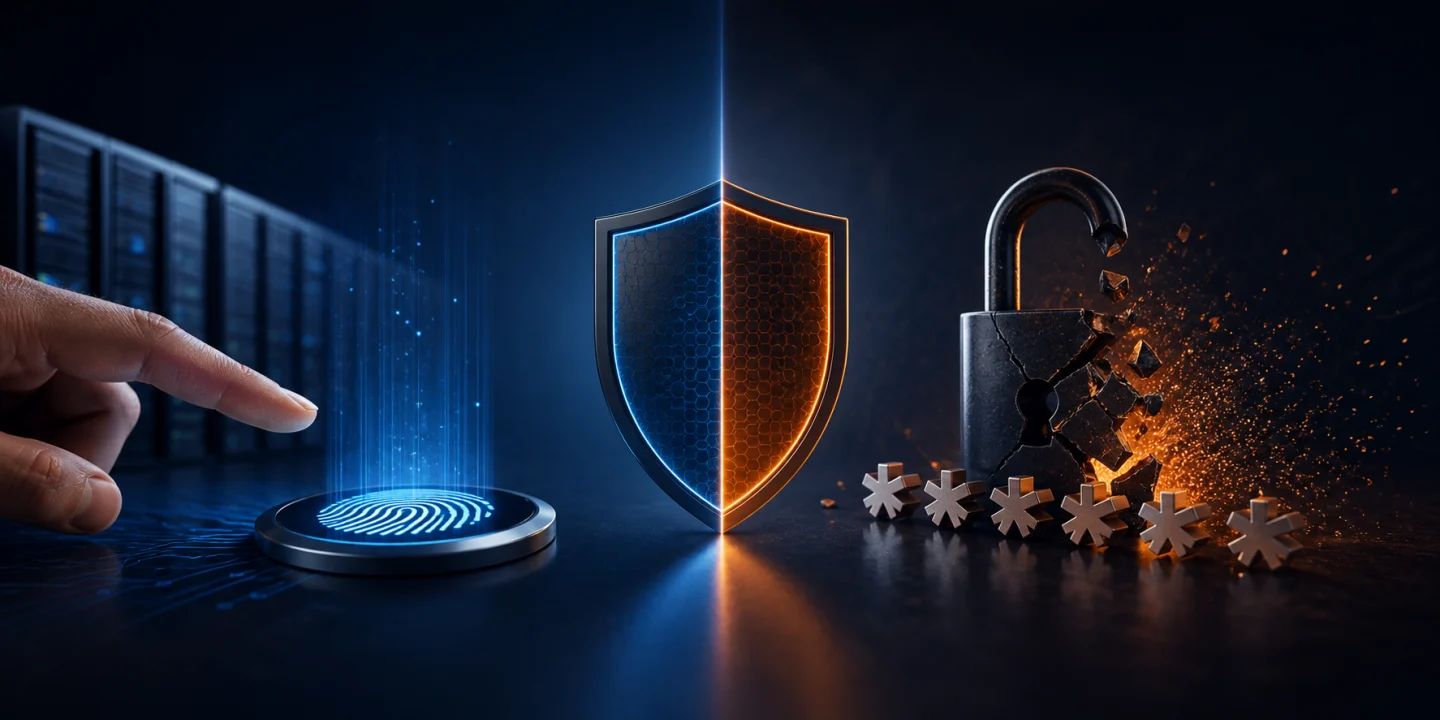
For decades, passwords have been the standard way to prove who we are online.
But passwords have an inherent problem:
They aren't really proof of identity.
A password only proves that someone knows a secret.
If a cybercriminal steals that secret, the system may have no way of knowing whether the person entering it is you—or an attacker halfway around the world.
Fingerprint authentication changes that equation.
Instead of asking: "What do you know?"
biometric authentication can help establish:
"Are you the authorized person using this trusted device?"
That's an important security improvement.
But fingerprint authentication also raises an equally important question:
What happens to your fingerprint data?
After all, you can change a compromised password.
You can't simply change your fingerprint.
That's why the strongest approach to biometric authentication isn't merely using biometrics. It's protecting biometric information through an architecture that minimizes where that sensitive data travels and where it is stored.
Why Passwords Have Become a Security Problem
Passwords were created for a much simpler computing environment.
Today, people may have credentials for dozens—or even hundreds—of:
Business applications
Banking accounts
Email services
Cloud platforms
Healthcare portals
Social networks
Government services
Shopping websites
Human beings weren't designed to remember hundreds of long, random, unique strings.
So people adapt.
They:
Reuse passwords.
Choose predictable passwords.
Modify old passwords slightly.
Write passwords down.
Store them insecurely.
Share them.
Forget them.
Attackers understand these behaviors extremely well.
A Password Is Transferable. Your Fingerprint Isn't.
This is one of the most important differences between passwords and biometrics.
Imagine your password is:
CorrectHorse!92$Purple
If I learn that password, I can type exactly the same characters you can.
The application doesn't necessarily know who physically entered them.
It only knows:
The correct password was provided.
A password is therefore a credential that can be transferred from one person to another.
A fingerprint is fundamentally different.
The physical characteristic being verified is associated with the person.
That can make fingerprint authentication considerably harder for a remote attacker to exploit than a conventional password.
Passwords Can Be Phished
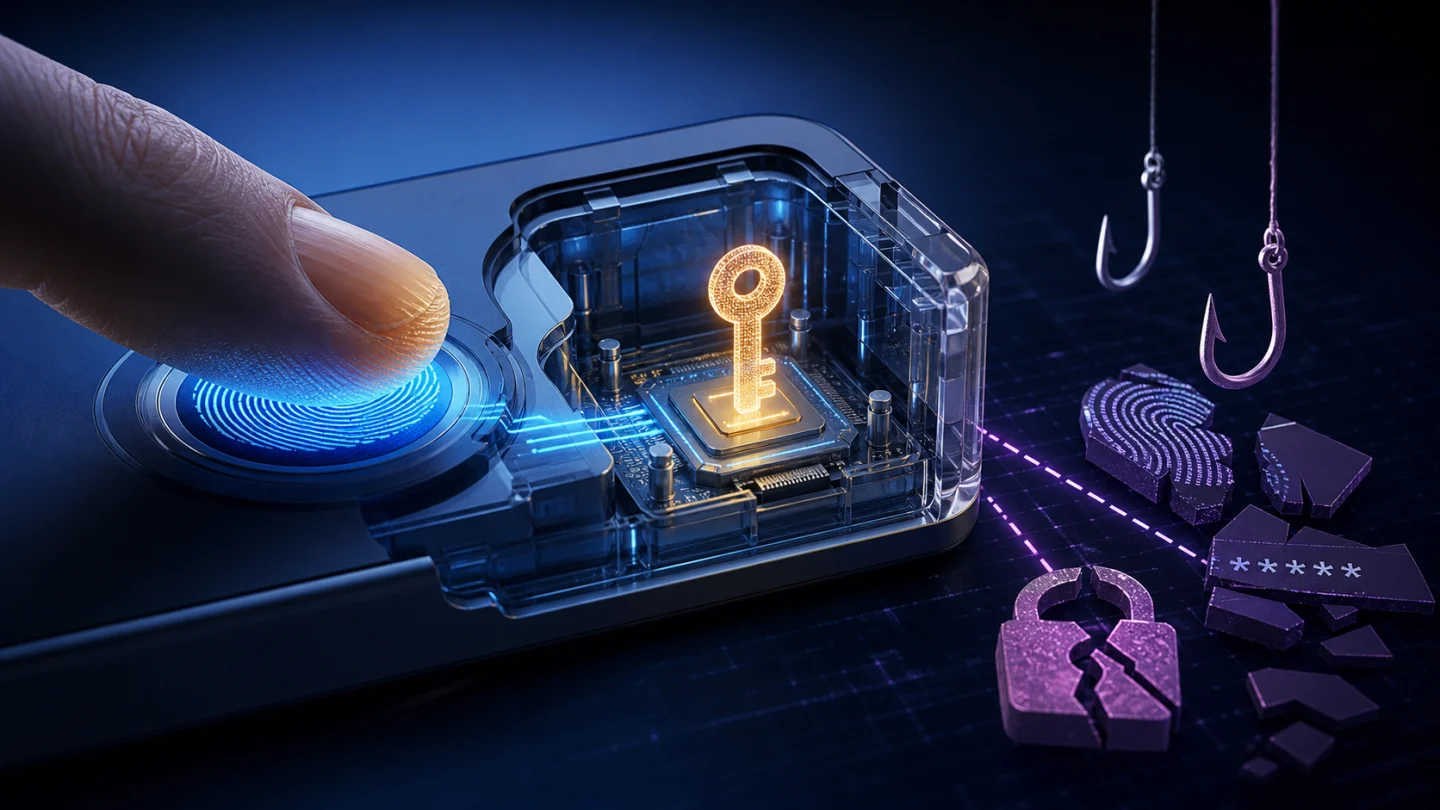
One of the biggest advantages of biometric authentication is that users don't type their fingerprint into a website.
Consider a conventional phishing attack.
A criminal creates a fake corporate login page.
It looks almost identical to the real one.
The employee enters: Username
and then: Password
The criminal now has both.
It doesn't matter whether the password was 8 characters or 38 characters.
The attacker didn't crack it.
The user gave it away.
That's one of the fundamental limitations of passwords.
You Can't Accidentally Type Your Fingerprint Into a Phishing Form
Properly implemented device-based biometric authentication changes that interaction.
The user performs biometric verification locally on the trusted device rather than transmitting a password-like biometric secret by typing it into a webpage.
That can eliminate an entire category of conventional credential-theft attacks.
There is:
No password to type
No password to remember
No password to reuse
No password to share
No password to surrender to a conventional phishing form
That is an important security advantage.
But it doesn't mean every biometric implementation is automatically secure.
Architecture matters.
How Fingerprint Authentication Actually Works
A modern fingerprint system generally doesn't need to compare photographs of fingerprints every time someone authenticates.
During enrollment, the device captures distinguishing characteristics of the fingerprint.
These may include features such as:
Ridge endings
Ridge bifurcations
Pattern orientation
Relative positions of fingerprint features
Those characteristics are used to create a mathematical representation commonly called a biometric template.
Conceptually:
Fingerprint → Distinctive Characteristics → Biometric Template → Local Comparison → Verification
When the user later authenticates, another fingerprint sample is captured and compared against the enrolled information.
If the similarity satisfies the system's required threshold, biometric verification succeeds.
Fingerprint Authentication Is Convenient—and Convenience Improves Security
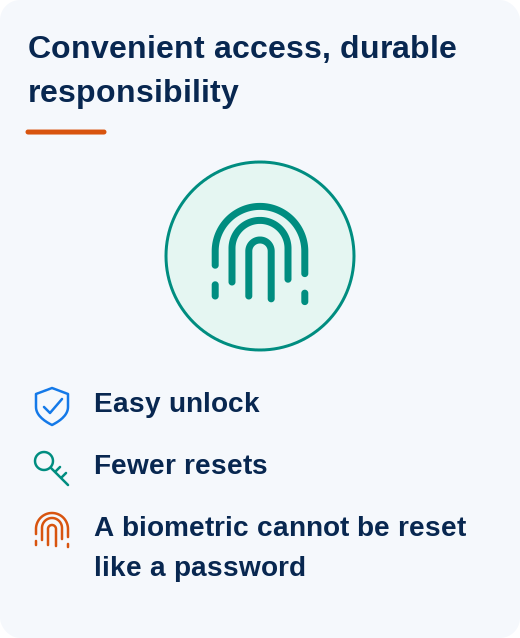
Convenience may not sound like a cybersecurity feature.
But it is.
Security controls that frustrate users often encourage undesirable behavior.
People look for shortcuts.
Passwords demonstrate this perfectly.
When organizations impose increasingly complex password rules, employees may respond by:
Reusing passwords
Writing them down
Creating predictable variations
Saving them in inappropriate places
Fingerprint authentication changes the experience.
Place your finger on the sensor.
Verify.
Continue working.
There's nothing to memorize.
That simplicity can make strong authentication easier for employees to use consistently.
Fingerprints Also Reduce Password-Reset Problems
Passwords don't only create security risks.
They create substantial operational costs.
Employees forget passwords.
Accounts become locked.
Help desks receive calls.
IT administrators perform resets.
Employees wait.
Productivity stops.
Fingerprint-based passwordless authentication can eliminate much of that cycle because there isn't an everyday password for the user to forget.
For an organization with hundreds or thousands of employees, reducing password-related support incidents can translate into meaningful improvements in:
Productivity
IT workload
User satisfaction
Operational efficiency
Better authentication can therefore improve both security and business performance.
But Fingerprints Have One Very Important Difference From Passwords
There is also a reason biometric information deserves extraordinary protection.
If someone steals your password, you can create another password.
If sensitive biometric information were compromised, you cannot simply tell an employee:
"Please change your fingerprints by Monday."
Your biometric characteristics are inherently associated with you.
That's why organizations evaluating biometric authentication shouldn't merely ask:
"Do you support fingerprint authentication?"
They should ask:
"Where does the biometric information go?"
That's a much more important question.
Identité's Answer: Your Biometric Data Stays on Your Device
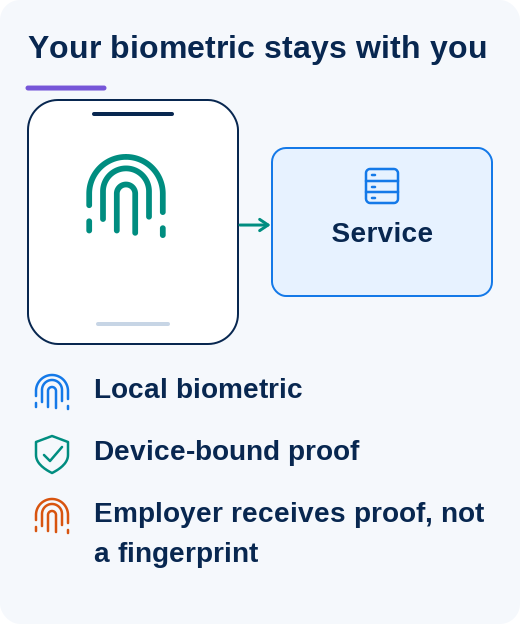
Identité uses a decentralized authentication architecture designed so that the user's biometric data remains on the trusted device.
With this approach, biometric data does not need to be transmitted to Identité, the employer, or a centralized biometric database for matching.
Your biometric data stays on your device.
This distinction is critical.
Rather than collecting the biometric information of hundreds, thousands, or potentially millions of users in one central repository, Identité's approach avoids creating that centralized biometric target.
Why Decentralized Biometrics Are Safer
Centralized databases create what cybersecurity professionals sometimes describe as a concentration of risk.
One successful breach may expose information associated with many users.
With passwords, compromised credentials can at least be reset.
Biometric information is different.
This leads to a simple security principle:
Why centrally store sensitive biometric information if the authentication architecture doesn't require you to?
Identité's decentralized approach offers important advantages:
Biometric data remains on the trusted device.
Biometric matching can occur locally.
Biometric information does not need to travel across the network for centralized matching.
A central repository of users' fingerprints is avoided.
Organizations reduce the concentration risk associated with centralized biometric storage.
Employers don't need a database containing employees' fingerprints to authenticate them.
Users maintain greater control over highly personal identifying information.
Put simply:
Sensitive biometric information that isn't collected into a central repository can't be stolen from that central repository.
Your Employer Doesn't Need Your Fingerprint
This is particularly important in workplace environments.
Using fingerprint authentication shouldn't mean handing your fingerprint to your employer.
With Identité's decentralized approach, the purpose of biometric verification is to establish that the authorized user is present on the trusted device.
The organization needs the authentication outcome required by the system.
It doesn't need to possess the employee's fingerprint data.
That's an important distinction between: Verifying identity and collecting identity data.
Modern authentication should accomplish the first without unnecessarily doing the second.
But Fingerprint Authentication Alone Doesn't Solve Phishing
This is where authentication becomes more interesting.
Suppose your fingerprint successfully verifies that you're the authorized user.
Excellent.
But now ask:
What are you authenticating to?
Cybercriminals increasingly create sophisticated:
Imposter websites
Lookalike domains
Fake corporate portals
Cloned banking websites
Fraudulent cloud login pages
Your fingerprint may establish that you are you.
But authentication should also establish:
Is the website really who it claims to be?
That is where Full Duplex Authentication® changes the security model.
What Is Full Duplex Authentication®?
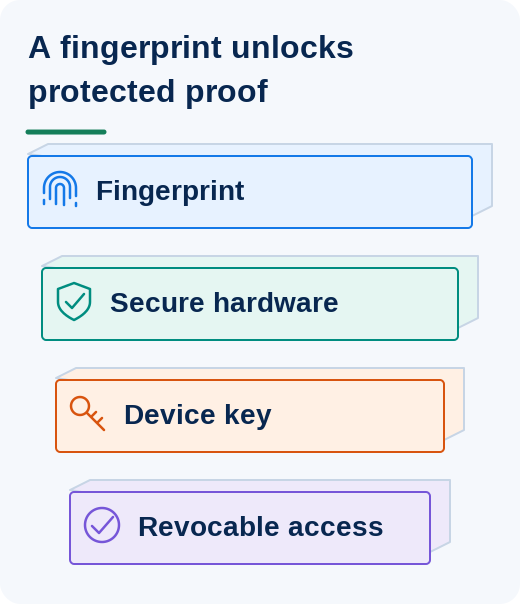
Full Duplex Authentication® (FDA) is the patented authentication technology powering PasswordFree®, Identité's Software-as-a-Service (SaaS) authentication solution, and NoPass™, its PaaS solution that can be installed on premises or deployed in the cloud.
Instead of relying solely on one-way authentication, FDA establishes mutual authentication. The user must authenticate to the legitimate application or website, while the application or website must also authenticate itself as legitimate.
Authentication isn't complete simply because the system recognizes the user. Both sides must establish trust.
That changes the authentication relationship.
The fingerprint can help establish:
"This is the authorized user."
The trusted device participates in establishing:
"This is the authorized device."
Full Duplex Authentication® additionally establishes:
"This is the legitimate destination."
Why Mutual Authentication Matters
Imagine a criminal builds an almost perfect replica of your bank's website.
The attacker copies:
The logo
The colors
The graphics
The login page
The navigation
The branding
They register a domain that differs from the legitimate address by only one character.
To the human eye, the website may look authentic.
But appearance isn't identity.
An imposter site cannot successfully perform the legitimate site's side of Full Duplex Authentication®.
The fake site may look real.
It cannot authenticate as real.
That's an important layer of protection that goes beyond simply replacing a password with a fingerprint.
Fingerprint Authentication + FDA Creates a Stronger Trust Model
This is where the pieces come together.
Traditional password authentication primarily establishes: "Someone knows the correct secret."
Fingerprint verification can help establish: "This is the authorized person."
A trusted device can establish another component of the authentication relationship.
And FDA adds:
"This is the legitimate destination."
Meanwhile, Identité's decentralized architecture ensures:
"The user's biometric data remains on the user's device."
Instead of relying on one reusable secret, authentication becomes a relationship built around multiple components of trust.
What If My Fingerprint Doesn't Work?
No authentication method is perfect in every situation.
Fingerprint authentication can become temporarily impractical if a user:
Injures a finger
Wears protective gloves
Has wet or damaged hands
Experiences a sensor failure
Loses the authentication device
Replaces the device
This is why authentication needs to be designed for business continuity, not merely successful logins.
Strong security shouldn't become a single point of failure.
Emergency PIN Authentication
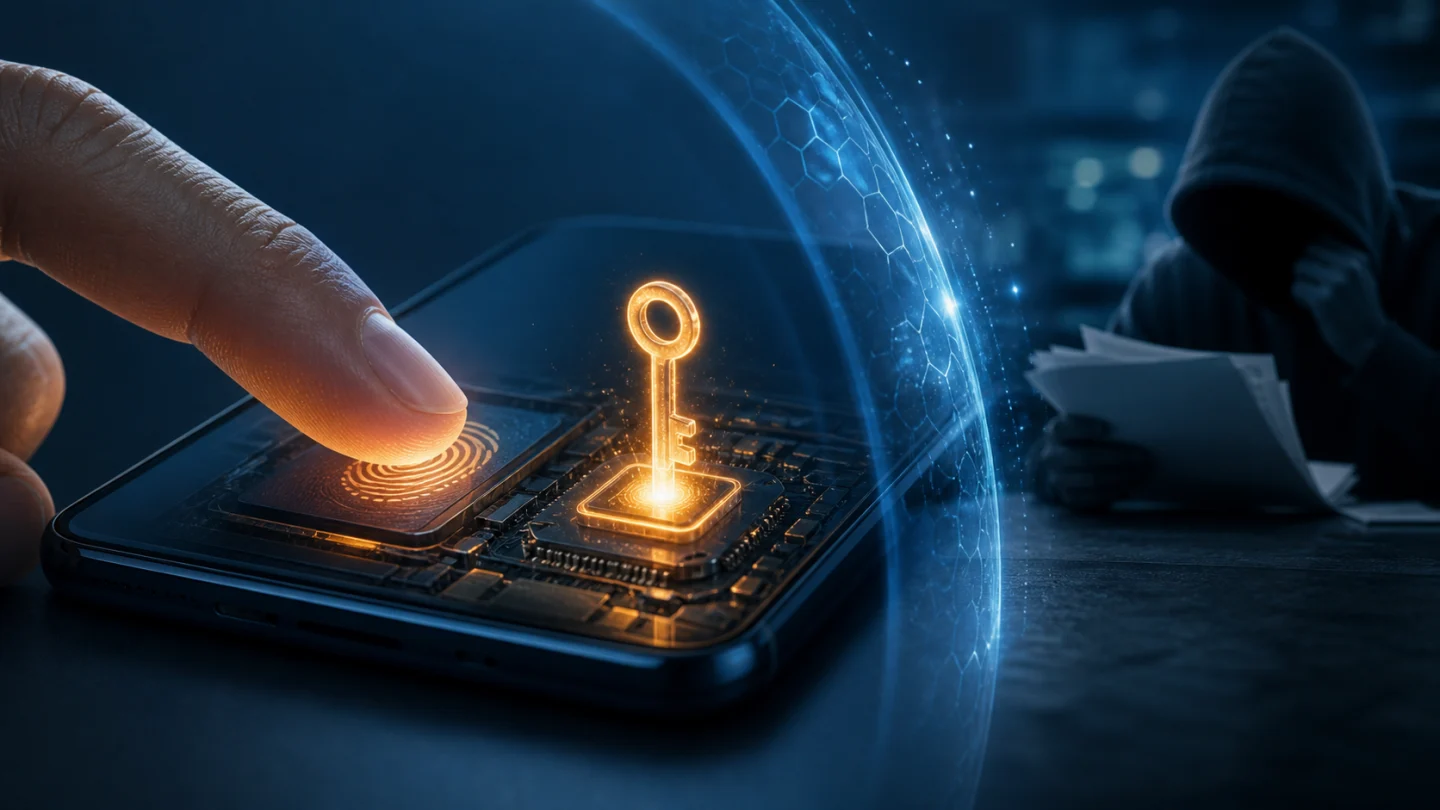
When permitted by organizational policy, authentication powered by FDA can provide an Emergency PIN when the user's primary authentication device or method is temporarily unavailable.
The Emergency PIN isn't intended to become another everyday password.
It's a controlled continuity mechanism designed to allow an authorized user to remain productive when unexpected circumstances prevent normal authentication.
Security remains important.
So does keeping the business running.
Secure Backup & Restore
What happens if the entire phone is lost or replaced?
Traditional authentication can turn device replacement into an IT support event.
With PasswordFree® and NoPass™, users can securely back up their authentication profile according to organizational configuration to:
Secure cloud storage
The corporate network
When a replacement device becomes available, the authentication profile can be restored.
The restore process can be completed in less than two minutes.
That means:
Less employee downtime
Fewer help desk calls
Faster device replacement
Reduced re-enrollment
Greater business continuity
A lost phone shouldn't have to become a lost workday.
What If I Don't Want to Use a Fingerprint?
Fingerprint authentication should be an option within a broader authentication strategy—not necessarily the only option.
Some employees or environments may require alternatives.
Identité is compatible with supported third-party hardware tokens, including security keys such as YubiKey®.
This can be particularly valuable for:
Privileged administrators
Healthcare environments
Banks and financial institutions
Government organizations
Secure facilities
Employees who prefer physical authentication devices
Workplaces where smartphones are restricted
Strong authentication should adapt to the organization and user—not force every user into exactly the same workflow.
PasswordFree® — SaaS Passwordless Authentication
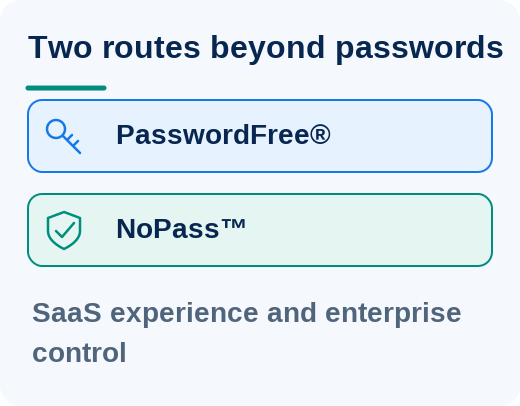
Organizations seeking a cloud-delivered authentication solution can choose PasswordFree®, Identité's SaaS offering.
PasswordFree® is designed to provide:
Passwordless authentication
Decentralized biometric verification
Mutual authentication powered by FDA
Protection against password phishing
Protection against imposter websites
Emergency PIN Authentication
Secure Backup & Restore
Support for compatible third-party authentication options
Reduced password-related help desk workload
The goal isn't simply eliminating passwords.
It's replacing them with a stronger and more resilient trust model.
NoPass™ — Enterprise Authentication Without Compromise
Organizations requiring deeper integration and greater control can choose NoPass™, powered by patented Full Duplex Authentication®.
NoPass™ can be installed on premises or deployed in the cloud and is designed for enterprise environments requiring integration with technologies such as:
Microsoft Active Directory
Microsoft Entra ID
Microsoft 365 / Office 365
Microsoft Azure
For banks and other organizations that prefer not to place sensitive authentication infrastructure or client information in a public cloud environment, NoPass™ can be deployed on premises.
Healthcare organizations, government agencies, financial institutions, and other highly regulated enterprises can similarly choose the deployment architecture appropriate to their security and operational requirements.
Passwords vs. Fingerprint Authentication
At a high level, the difference is straightforward:
Security Consideration | Password | Fingerprint Authentication with a Decentralized Architecture |
Can be forgotten | Yes | No |
Can be reused across accounts | Yes | No |
Can be typed into a phishing site | Yes | No conventional password to type |
Can be shared with another person | Easily | Not like a password |
Can be guessed | Potentially | Not in the conventional password sense |
Creates password-reset workload | Yes | Can substantially reduce it |
Requires memorization | Yes | No |
Sensitive biometric data centralized | N/A | Not with Identité's decentralized approach |
Biometric data leaves trusted device | N/A | Designed to remain on the device |
Can authenticate the destination | No | FDA adds mutual authentication |
The last row is especially important.
Replacing a password with a fingerprint solves one problem.
Establishing trust on both sides solves a much bigger one.
The Identité Perspective
Fingerprint authentication can be more secure than passwords because it changes what the authentication process depends upon.
A password says: "I know the secret."
Fingerprint verification can help establish: "I am the authorized user."
Identité's decentralized architecture adds an important privacy assurance:
"My biometric data stays on my device."
And patented Full Duplex Authentication® completes the trust relationship:
"The destination must prove itself too."
That's the philosophy behind PasswordFree® and NoPass™.
By combining passwordless authentication, decentralized biometric verification, mutual authentication, compatible third-party hardware tokens, Emergency PIN Authentication, and Secure Backup & Restore, Identité approaches authentication as more than a replacement for the password.
It's an architecture designed around security, privacy, productivity, and business continuity.
Because the real goal isn't simply finding something stronger than a password.
It's eliminating the weaknesses that made passwords dangerous in the first place.